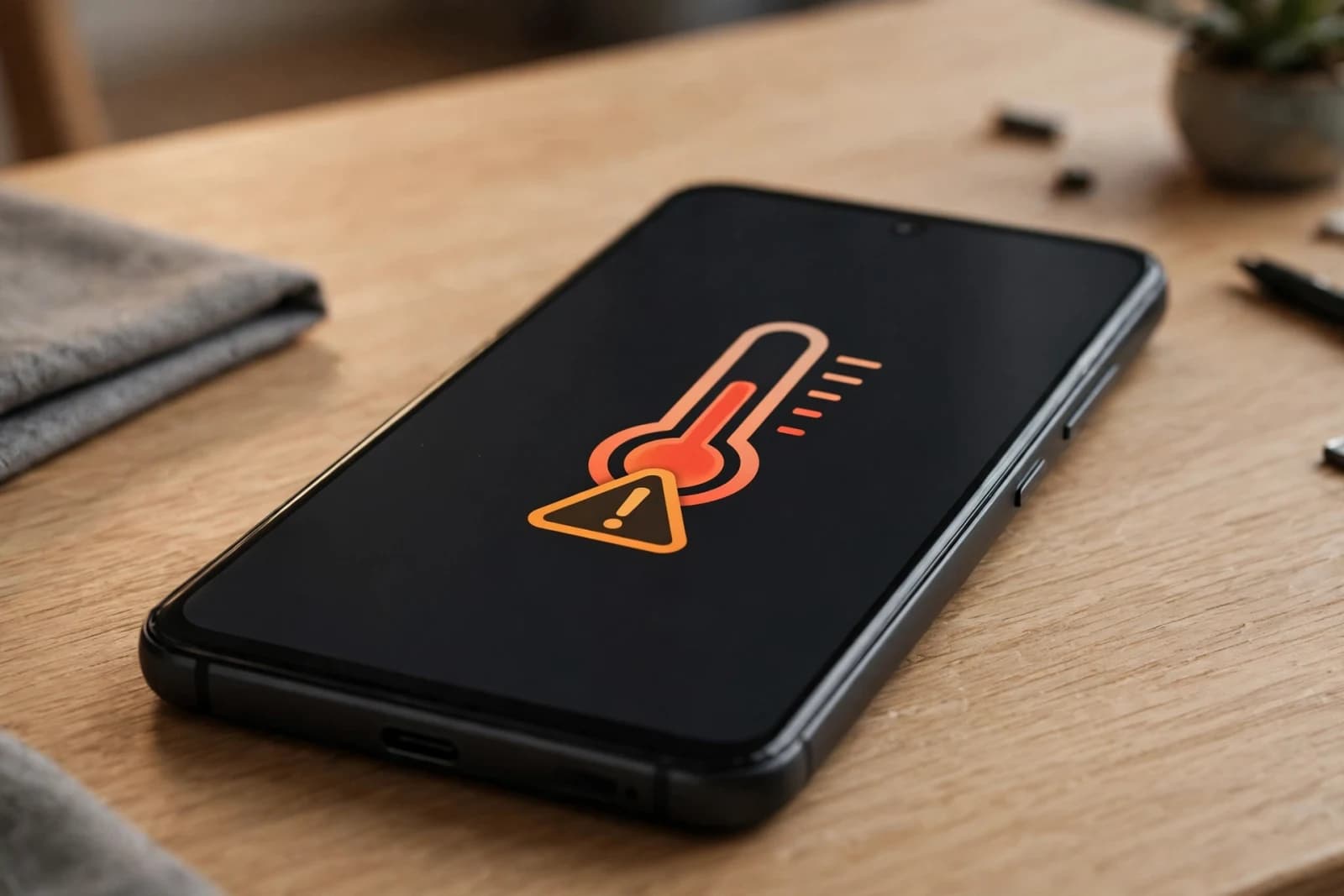
Your phone feels hot in your pocket, the screen dims by itself, and a warning says the phone needs to cool down. Or it gets warm every time you charge it and play a game at the same time. Some warmth is normal, especially while charging or gaming, but heat that comes with fast battery drain, shutdowns, or a swollen back is not normal. This guide shows you how to find the cause in 2 minutes and cool the phone down safely.
The 2-minute test
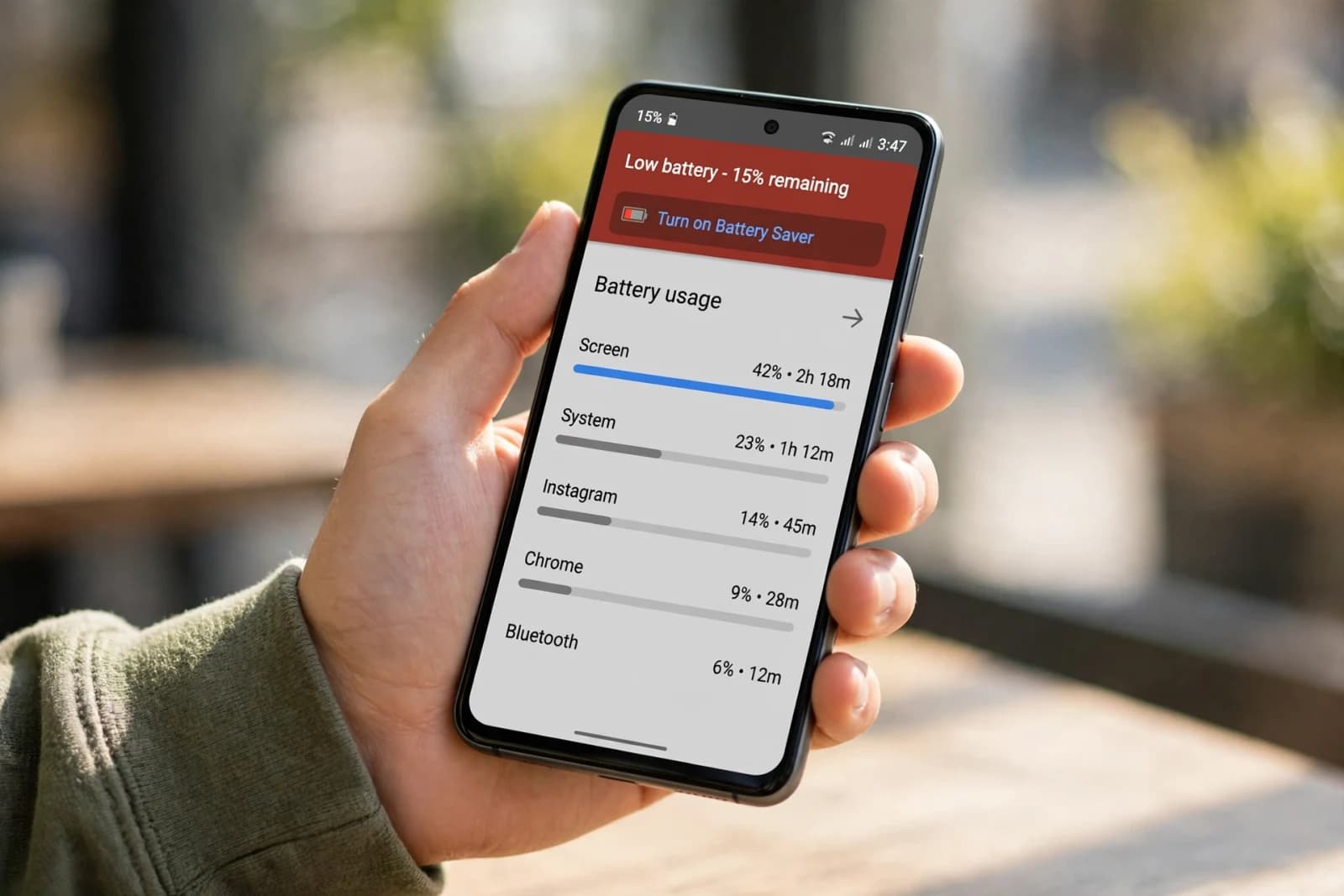
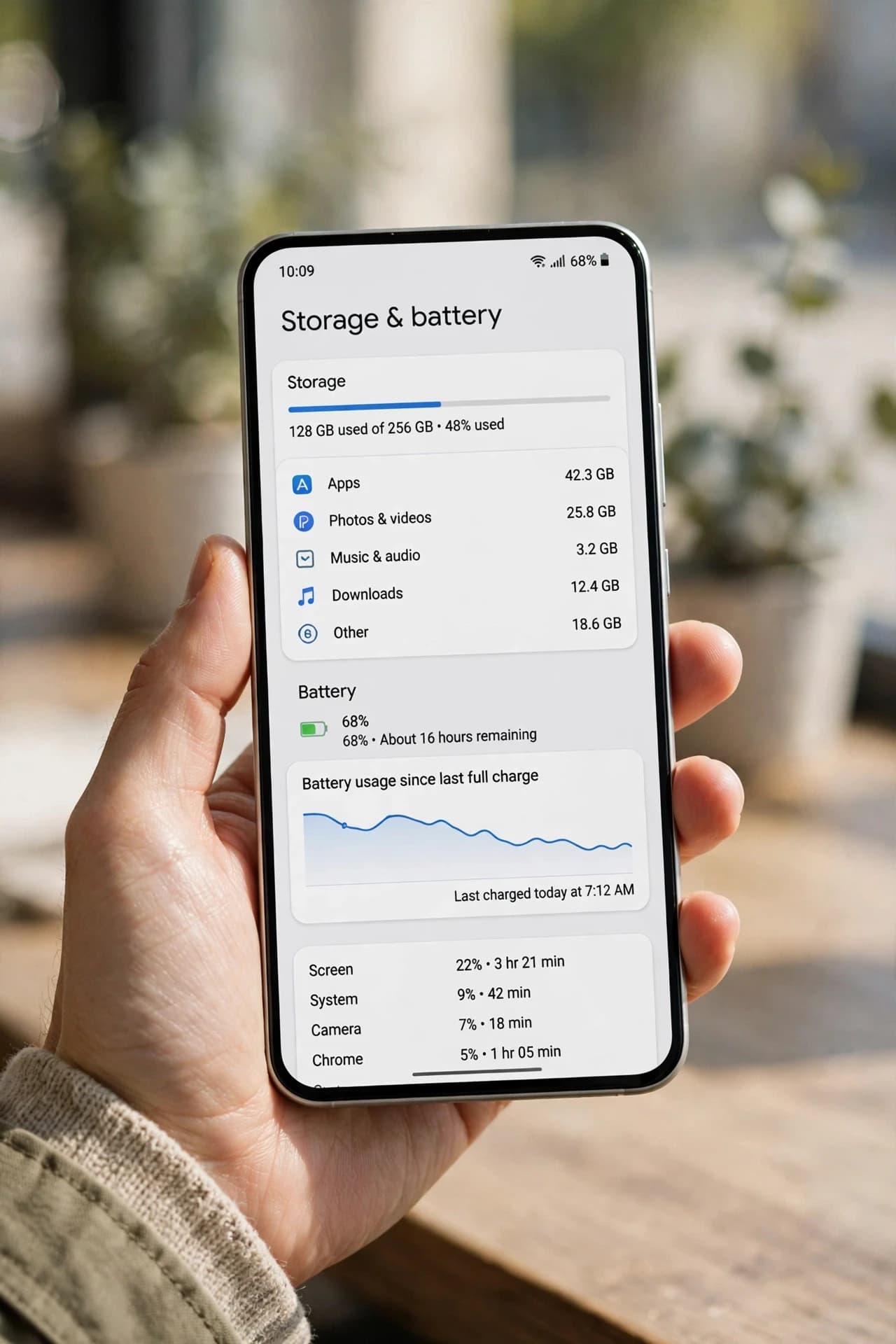
Check three things before you change any setting. First, open Settings, Battery, Battery usage, last 24 hours, and look for one app over 20 percent with high background use. Second, ask yourself if the heat started while charging, gaming, or recording video, all three push the processor hard. Third, check signal, if the phone is hot only in a weak signal area, it is working harder to stay connected. Write down which of the three fits, that is your starting point.
Step 1 Stop the heat source
Close the heavy game or camera app, unplug the charger for 10 minutes, and move the phone out of direct sunlight and out of a thick case. Remove the case for a while, cases trap heat. Real example: a phone that hit 42 degrees while gaming and charging at the same time dropped to normal in 15 minutes once charging stopped and the game was closed, with no setting changed at all.
Step 2 Fix the app and background cause
If one app is the cause, restrict its background use, limit its location to While using the app, and update it, a bad update is a common cause of sudden heat. Clear its cache, not its data, and test for a day. If heat started right after an update, update again or reinstall that app. Do not install a cooler app that runs all day, it usually adds to the heat it claims to fix.
Step 3 Charging and signal checks
Use the charger that came with the phone or a certified charger, and avoid gaming or video calls while charging if the phone gets hot. If heat happens only on weak signal, switch to Wi-Fi where possible, or to 4G for a day if 5G signal is weak in your area, and test again. Keep the phone off a bed or sofa while charging, soft surfaces trap heat, a hard table is better.
What NOT to do
Do not put a hot phone in a freezer or fridge. Rapid cooling can cause condensation inside the phone and damage it, let it cool slowly at room temperature. Do not keep using a phone that is very hot, swollen, or smells strange. Turn it off and get the battery checked, do not keep charging it. Do not ignore repeated overheating shutdowns. A phone that shuts down from heat again and again needs a battery or hardware check, not another cooler app.
Quick recap
Hot while gaming and charging, stop gaming while charging, remove case 10 minutes. One app over 20 percent high background, restrict background, limit location, update app. Hot only in weak signal area, use Wi-Fi, test 4G for a day. Hot, swollen, or shutting down often, turn off, get battery checked, do not keep charging.
FAQ
Is it normal for a phone to get warm while charging? Yes, mild warmth while fast charging is normal. Heat that is uncomfortable to hold, or that comes with a warning, is not.
Can heat damage my battery? Yes, repeated high heat over months reduces battery life faster than normal use, so fix the cause, do not just live with it.
Should I use a phone cooler app? No, built-in battery settings and closing the heavy app work better, and cooler apps run in the background themselves.
When is heat a safety problem? If the back is swollen, the phone smells strange, or it shuts down from heat repeatedly, stop using it and get it checked.
Related guides
Next, read the battery drain guide and the slow Android phone guide in the same series, so you fix heat, battery, and speed together, not one at a time.