Android Dev Summit 2026 did not just add one AI feature, it changed how Android Studio works. Now you can bring your own AI agent into the IDE, get a review of what that agent changed, and use official plugins for Claude Code and Codex, all inside the same project. That sounds powerful, and it is, but it also creates a new problem: which tool should you actually use, and which ones will just slow you down? This guide cuts through the announcements and gives you a practical starting point, not a list of every feature Google mentioned.
What was announced, in plain terms
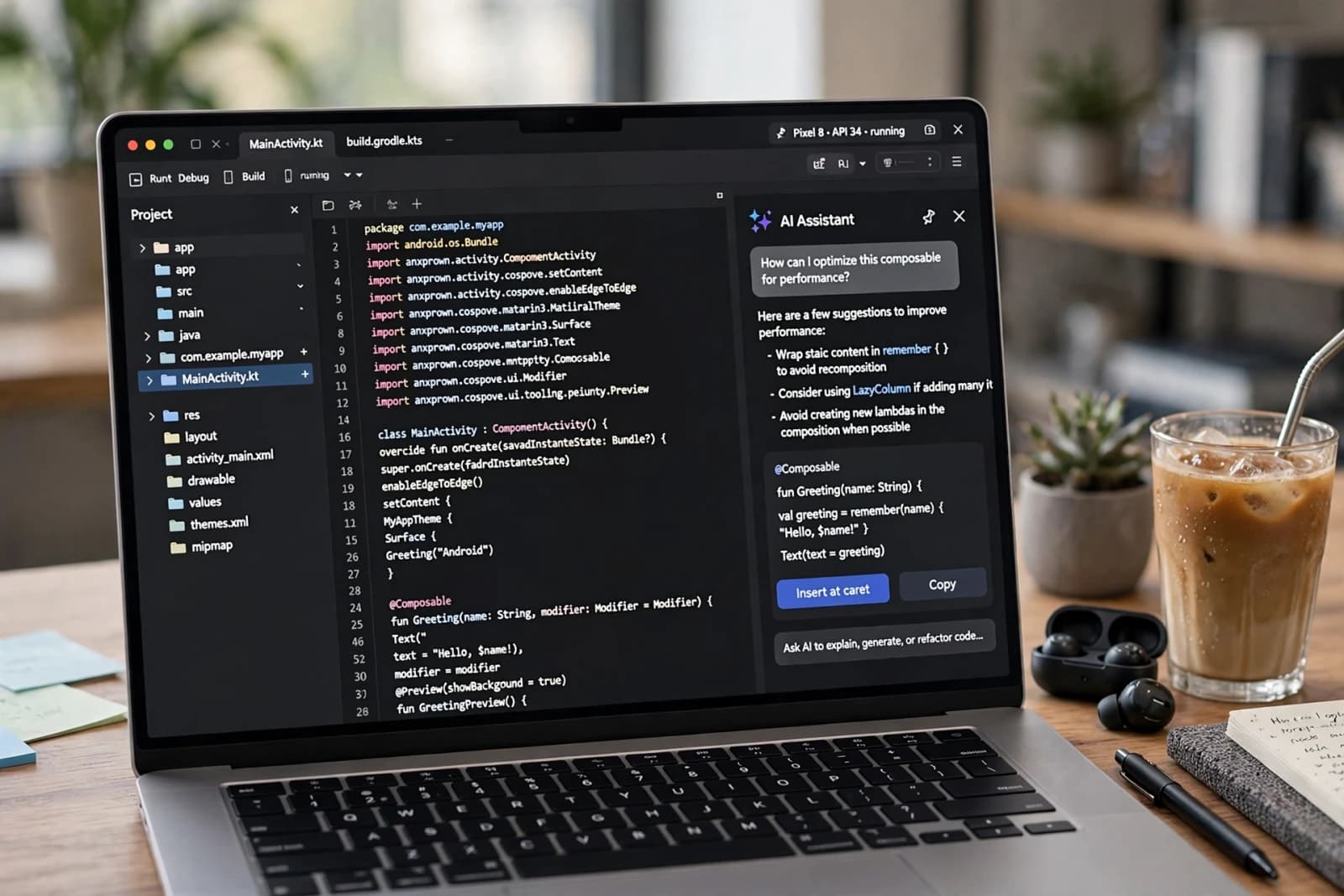
Bring Your Own Agent: Android Studio now works with more than 40 AI coding assistants, with access to IDE context, instead of locking you to one assistant.
Change Review: flags potential issues in AI-made changes and walks through what changed, so you can review instead of blindly accepting code.
Android Bench 2.0: compares AI tools on real Android tasks, with success, time, and cost, so you can choose by evidence, not hype.
Official Android plugins for Claude Code and Codex: device management, live UI inspection, and Android knowledge search from those tools.
Official Android skills: guidance for areas like Compose performance and security, built into the tools you already use.
The practical starting point, not all 40 tools at once
Do not install five assistants on day one. Pick one assistant you already know, turn on Change Review, and use the official Android plugin for that tool.
Use AI first for the work where mistakes are cheap and easy to test: boilerplate code, unit tests, migrations, and documentation.
Review logic changes line by line, especially for permissions, payments, and user data.
Test on a real device or emulator after every AI change, especially for UI and permissions, because AI code that looks right can still break on a real phone.
A real workflow example
Imagine you need to migrate a screen from an old layout to Compose. A good workflow is: ask the AI to draft the Compose version, run Change Review and read every flagged change, run the app and check the screen on a real device, fix the layout issues yourself, and only then commit. A bad workflow is: ask the AI to rewrite the whole feature, accept all changes without reading them, and commit. The first workflow saves time. The second creates bugs you will spend days finding.
What to skip for now
Do not switch your whole workflow on announcement day. Test on a branch, and wait for a stable release in your project.
Do not paste secrets, API keys, or private user data into an AI tool, even if the tool says it is private.
Do not judge a tool by its demo. Use Android Bench 2.0 results and your own test on a real task, not a marketing video.
Quick comparison
Bring Your Own Agent - use your preferred assistant inside Android Studio. Best for developers who already pay for an assistant.
Change Review - checks AI changes and explains them. Best for every developer using AI code; start here.
Claude Code plugin - Android device and UI tools inside Claude Code. Best for developers already using Claude Code.
Codex plugin - Android device and UI tools inside Codex. Best for developers already using Codex.
Android Bench 2.0 - compares tools on real Android tasks. Best for teams choosing a tool by evidence.
FAQ
Do I need to pay for all these AI tools?
No. Start with the free tier or the tool you already pay for, and add others only if they save real time.
Will AI replace Android developers?
No, it changes the work: more review, testing, and design, less boilerplate typing.
Is Change Review a replacement for code review?
No, it is a first check. Human review still matters for security and product logic.
Should beginners use AI tools?
Yes, but with Change Review on, and with testing after every change, so you learn what the code actually does, not just how to prompt it.
Related guides
Next, read the developer tools on this site, including the JSON formatter and Base64 encoder, and the Mobile fixes series, so you can use AI tools for building, and fix real phone problems for users, in the same place.